

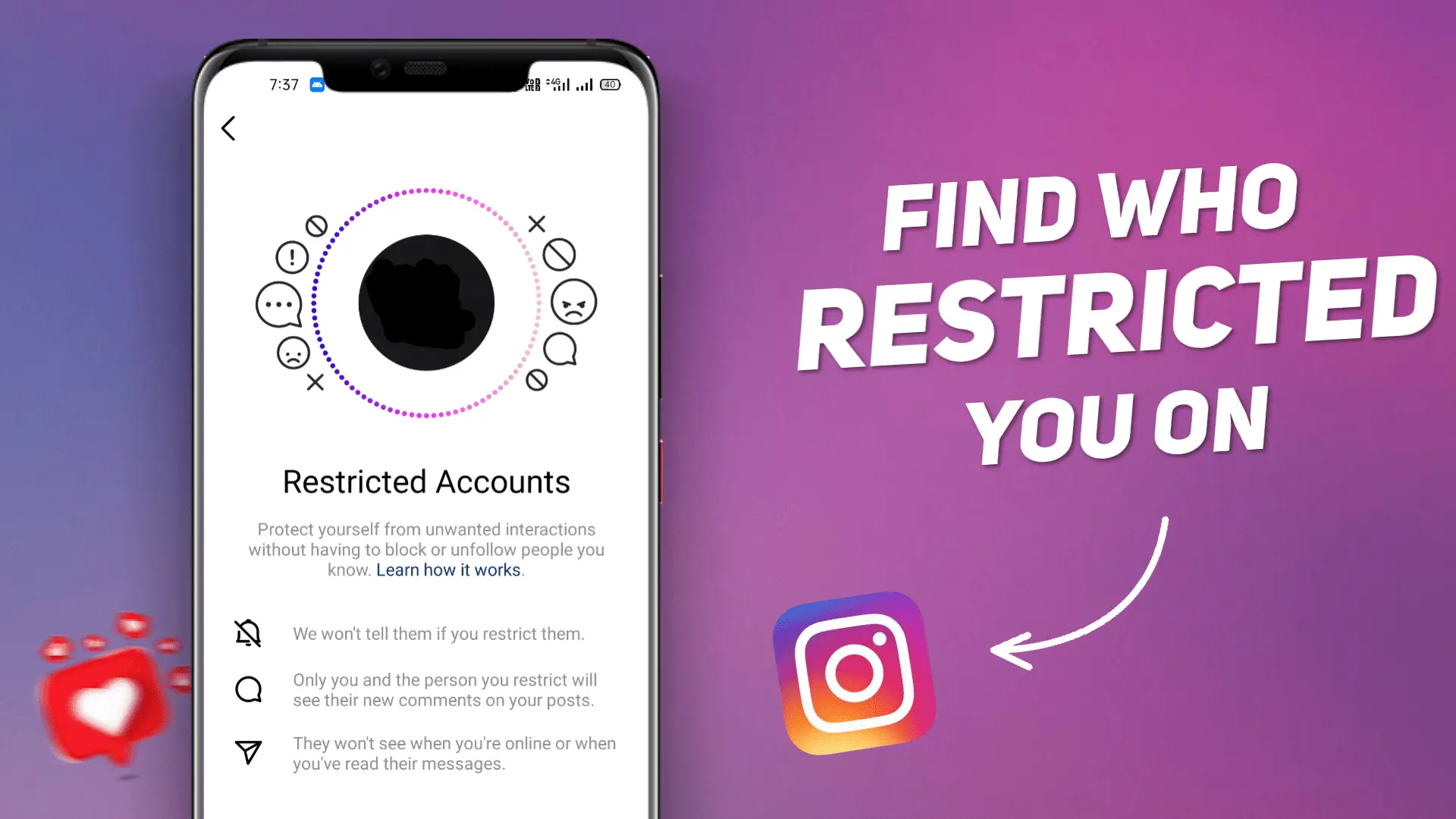
In 2019 Instagram launched a new feature called “Restrict.” Using this feature, the user can restrict one or many of his followers/Friends on Instagram. But the question is, How do you know if someone restricted you on Instagram? However, Instagram doesn’t send any notifications to the user who has been restricted by the other user, but still, there are some ways to identify this.
In this article, you will find three ways to determine whether you get restricted or not. Among all three methods, the third one is the most effective. But don’t make the mistake of skipping the earlier two methods. Try all the three methods mentioned in this article to get the perfect answer to your question.
What Does Restricted Mean On Instagram
If someone restricts you on Instagram, It doesn’t mean that they blocked or unfollowed you. They just restricted you to stop interacting with them. You are still able to see their pictures as well as you can comment on that post, but your comment will only be visible to you. The user who restricted you can delete, ignore or approve your comment. Your comment is visible to others when the user (who restricted you) approves your comment.
You will also no longer see their active status online in Instagram DM’s. Instagram also stops sending your comment notifications to that specific user. The user who restricted you can also read your messages, and you will not get notified that they have seen your messages. If you want to know more about Instagram’s “Restrict” feature guidelines, visit their guidelines page.
How to Know If Someone Restricted You on Instagram
There is no official procedure to find out who restricted you on Instagram, but some ways to get your job done. Go through all the three methods mentioned below to get the correct answer.
Method 1: Check Their Activity Status
Although this is the less effective step, it will help clarify your doubts. If you are aware of “What Does Restricted Mean On Instagram,” then you know that you can’t see the activity status of the user who restricted you.
So you need to keep an eye on the activity of that account on which you have doubts. Check their activity status when the user posts a picture or a story. If you can’t see their status online or the last time when they are online. It could be a sign that you have been restricted, although there are other possible explanations such as the user disabling their Activity Status or not using Instagram at the moment.
However, before checking this make sure that you have turned “ON” your activity status which enables you to view others’ activity status. If not, then here’s how you can do this,
- Go to Settings
- Then click on Privacy
- Find the Activity Status option and turn it “ON”.
If you need double confirmation through this step, you can check that user’s activity status from your friends or their followers’ phones.
A user can simply turn off their Activity Status for everyone, which would produce the same result.
Method 2: Direct Message (DM)
Let’s verify your suspicions by sending a direct message to that user. You can send a message by heading towards their profile. Message anything you want. After sending the message, wait for the reply. If your message hasn’t been seen or you do not get a reply for a long time. Then there is a strong possibility that your message landed on their message request section. Here the user (who restricted you) can see the message without letting you know.
There is also a possibility that the user is actually not active on Instagram for a long time or also possible that he hasn’t seen your message. This Condition only applies to those who do not regularly use Instagram, not for regular users.
Related Article: How to Delete or Edit a Comment on Instagram
Method 3: Check Your Comments
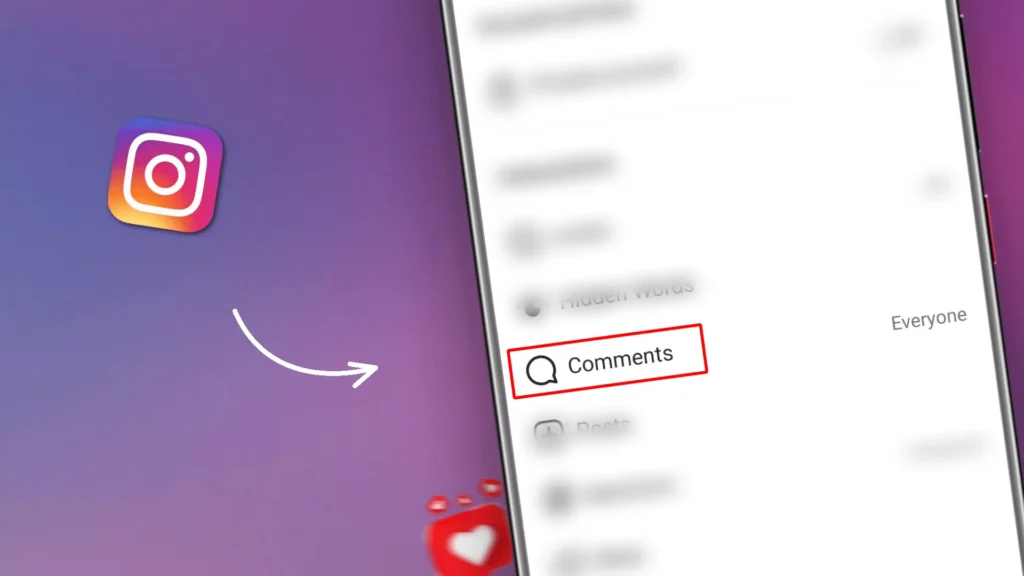
If your account gets restricted by someone on Instagram, your comments on their post will not be visible to anyone else other than you and the user who restricted you. You can confirm it with the help of a different account.
- Create a secondary account and send a request to the user on which you have doubts (If the user does not have a public account).
- You can also use your friend’s account who follows the same user.
- Make a new comment on their post because your earlier comment is visible to all users prior to the restriction.
- Now check this comment on their post from your secondary or friends account.
If your comment is not visible from the secondary or your friends’ account then it confirms that your primary account is restricted by that user.
Restrict vs Block vs Mute on Instagram
Instagram offers several ways to control how you interact with other users. Although Restrict, Block and Mute may seem similar but they work very differently. Here’s a quick comparison table to help you understand each feature.
| Feature | Restrict | Block | Mute |
| Can they view your profile? | Yes | No | Yes |
| Can they view your posts and Reels? | Yes | No | Yes |
| Can they comment on your posts? | Yes (Comments are only visible to them unless you approve them.) | No | Yes |
| Can they send you Direct Messages (DMs)? | Yes (Messages go to your Message Requests, and they won’t know if you have read them.) | No | Yes |
| Do they get notified? | No | No | No |
💡 Tip: Restricting someone is much less obvious than blocking them because Instagram doesn’t notify the other person. That’s why many users choose the Restrict feature to reduce unwanted interactions while avoiding conflict.
Conclusion
We hope you enjoyed the article “How to Know If Someone Restricted You on Instagram”. If you found this article helpful then please share it with your friends and family. Have any doubt, please feel free to share it with us in the comment box below.
Frequently Asked Questions (FAQs)
1. What is the basic difference between blocking and restricting someone on Instagram?
If you block someone on Instagram then the blocked user can’t see your posts and updates but if you restrict someone then the restricted user can still see all your posts and updates.
2. Who can restrict me on Instagram?
Anyone on Instagram can restrict you. This includes your friends and your followers.
3. Can I still message someone who restricted me?
Yes. You can still send Direct Messages (DMs) to someone who has restricted you. However, your messages will typically appear in their Message Requests, and they can read them without sending a read receipt.
4. Can someone who restricted me still see my profile?
Yes. Restricting someone does not hide profiles or posts. Both users can still visit each other’s profiles and view public content as usual.
5. Does Instagram notify users when they restrict someone?
No. Instagram does not send any notification when someone restricts or unrestricts another account.
6. Can someone restrict me without unfollowing me?
Yes. A person can restrict your account while continuing to follow you, and you can also continue following them.
[…] Related Article: How to Know If Someone Restricted You on Instagram […]
[…] Related Article: How to Know If Someone Restricted You on Instagram […]
[…] Related Article: How to Know If Someone Restricted You on Instagram […]